
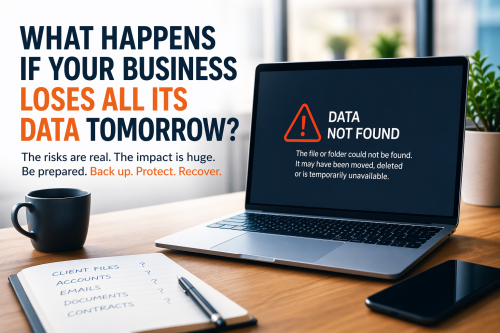
Most small business owners don't think about data loss—until it happens.
It's easy to assume your files are "somewhere safe," especially if you're using tools like Microsoft 365 or cloud storage. But read below for the uncomfortable truth:
Data loss is one of the most common and most disruptive issues small businesses face in 2026.
And for many, recovery isn't as simple as clicking "restore."
A Realistic ScenarioIt's Monday morning.
You log in and realise:
One of three things has likely happened:
For small businesses, the impact goes far beyond inconvenience:
Even a single day of downtime can cost more than most businesses expect.
This is one of the biggest misconceptions.
Platforms like Microsoft 365 do offer some level of protection—but they are not full backups.
Here's what many people don't realise:
In short: the cloud doesn't guarantee recovery.
While cyberattacks get the headlines, most data loss is far more mundane:
In many cases, it's not dramatic—it's just irreversible.
What Proper Backup Looks Like in 2026A reliable setup isn't complicated, but it does need to be intentional.
At a minimum, small businesses should have:
Backups aren't just about having data—they're about how quickly you can get back to work.
That difference is what separates a minor hiccup from a major business disruption.
If you're unsure about your current setup, ask yourself:
We work with small businesses in and around London to make sure situations like this don't turn into disasters.
That includes:
Data loss doesn't usually come with a warning.
But preparation is straightforward—and far less costly than dealing with the fallout.
If you're not 100% confident in your setup, now is a good time to fix it.
Want a quick check?We offer a simple, no-obligation review of your current backup and data protection setup for local businesses.
It's a quick way to find out where you stand—and where you might be at risk.
When you subscribe to the blog, we will send you an e-mail when there are new updates on the site so you wouldn't miss them.

© SysFix IT Support Ltd, 2003-2026
VAT Number: GB 206 7821 12
Company Number: 09416191